
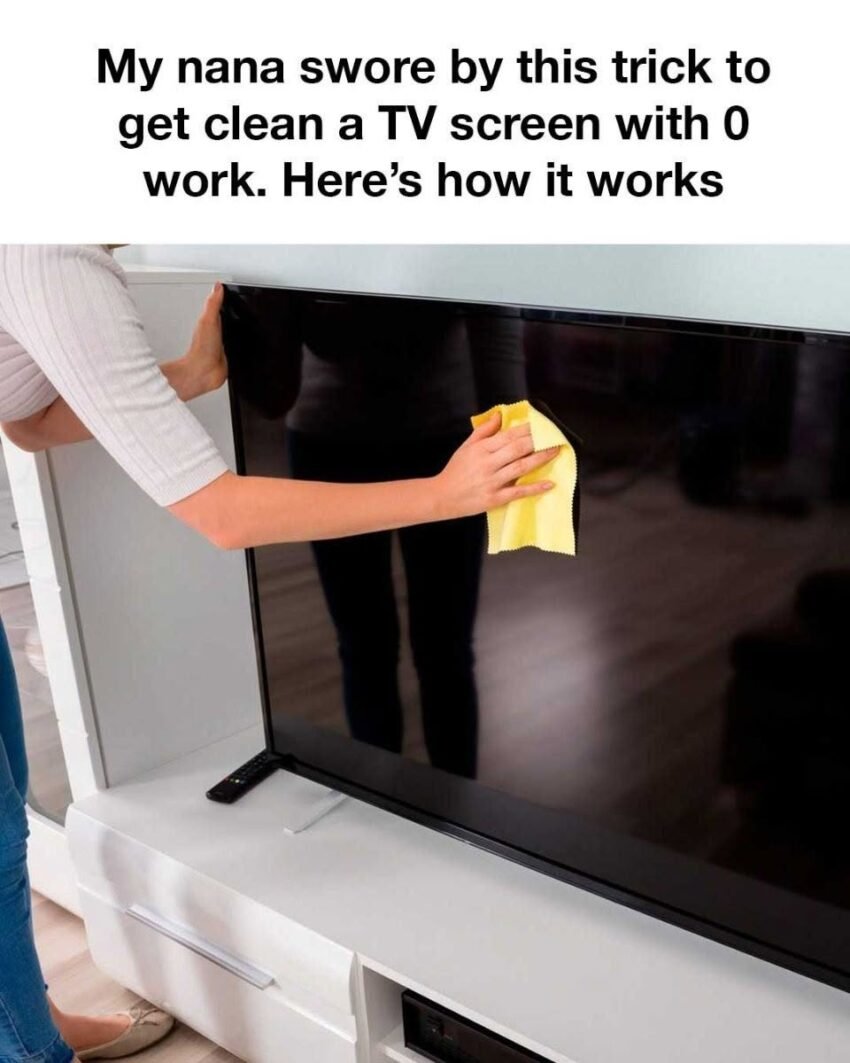
The fragile, often oleophobic-coated surface of a modern flat-screen TV is nothing like the thick glass of an old CRT. A single wrong wipe can leave permanent micro-scratches that catch the light.
Whether you have an OLED, QLED, or standard LED panel, here are six essential tips to clean your screen safely without scratching the surface or damaging the anti-glare coating.
1. Power Down and Let It Cool
Never clean a warm screen. If the TV has been on, the heat makes cleaning solutions evaporate too quickly, leaving streaks, and it makes the screen more susceptible to chemical damage.
-
The Tip: Turn the screen off for at least 15–20 minutes before cleaning. A black screen also makes dust and fingerprints far easier to see.
2. Never Spray Liquid Directly on the Screen
This is the most critical “scratch prevention” rule. Spraying a liquid directly onto the screen can cause it to drip down and pool at the bottom bezel. Capillary action then wicks that moisture up between the layers of the panel, permanently damaging the screen from the inside. Excess liquid also combines with dust to create a muddy paste that causes scratches when rubbed.
-
The Tip: Always spray your cleaning solution (or plain distilled water) onto your microfiber cloth first, just until it’s lightly damp, never wet.
3. Banish Paper Towels, Tissues, and Shirts
Paper towels, napkins, tissues, and the fabric of your t-shirt are made of wood fibers. No matter how soft they feel to your hands, on a microscopic level, they are abrasive and will slowly sand down the delicate anti-glare plastic coating on your screen, leading to a hazy, shiny patch over time.
-
The Tip: Use only a brand-new, high-quality, clean microfiber cloth. The plush, split fibers trap dust particles without dragging them across the screen. Keep a dedicated cloth for your screens only, and wash it periodically (without fabric softener) to remove trapped grit.
4. Dust First, Wipe Second (No Circular Motions)
The biggest cause of scratches isn’t the cloth—it’s the inorganic dust sitting on the screen. If you start wiping immediately, you’re grinding microscopic silica particles into the panel.
-
The Tip: Gently and with zero pressure, use a dry microfiber cloth to “pick up” dust in straight lines. A light-touch electrostatic duster is also a safe first pass. When you damp-wipe for smudges, never press hard. Use a feather-light touch and wipe in one direction. If a fingerprint doesn’t come off easily, let the light moisture do the work—do not scrub.
5. The Only Safe Fluid is Distilled Water (or <30% Alcohol)
TV manufacturers universally warn against window cleaners (Windex), all-purpose sprays, and alcohol-heavy solutions. These products contain ammonia, ethyl alcohol, or propylene glycol, which dissolve the anti-glare coating, turning it permanently sticky, streaky, or patchy.
-
The Tip: Start with plain distilled water (it’s mineral-free, so no streaking). If you have greasy fingerprints, you can mix a solution of 70% distilled water and 30% isopropyl alcohol (99% pure). This ratio is strong enough to cut oil but weak enough not to strip the coating instantly. Many modern premium TVs use a water-only cleaning protocol.
6. If in Doubt, Go Dry (Screen-Specific Wipes)
If you’re nervous about using any liquid at all, or if you want an easy, disposable option, use single-use wipes specifically designed for “electronics” or “glasses.” These are typically pre-moistened with a plastic-safe, streak-free solution that is gentle on coatings.
-
The Tip: Look for wipes that explicitly state “safe for coated lenses” and “ammonia-free.” Avoid generic “disinfecting wipes” like Clorox or Lysol—these contain benzalkonium chloride and citric acid, which are highly destructive to screen surfaces and the thin plastic polarizer layer.
The Golden Summary: Dust dry, wipe damp (not wet), use a fresh microfiber cloth, and never reach for the glass cleaner. Your screen will reward you with a pristine, scratch-free picture for years.